

Mood Calendar
A mood calendar brings your entries together by date. Your mood icons show how the month felt, and each day can hold a note, a photo or several moments worth remembering.
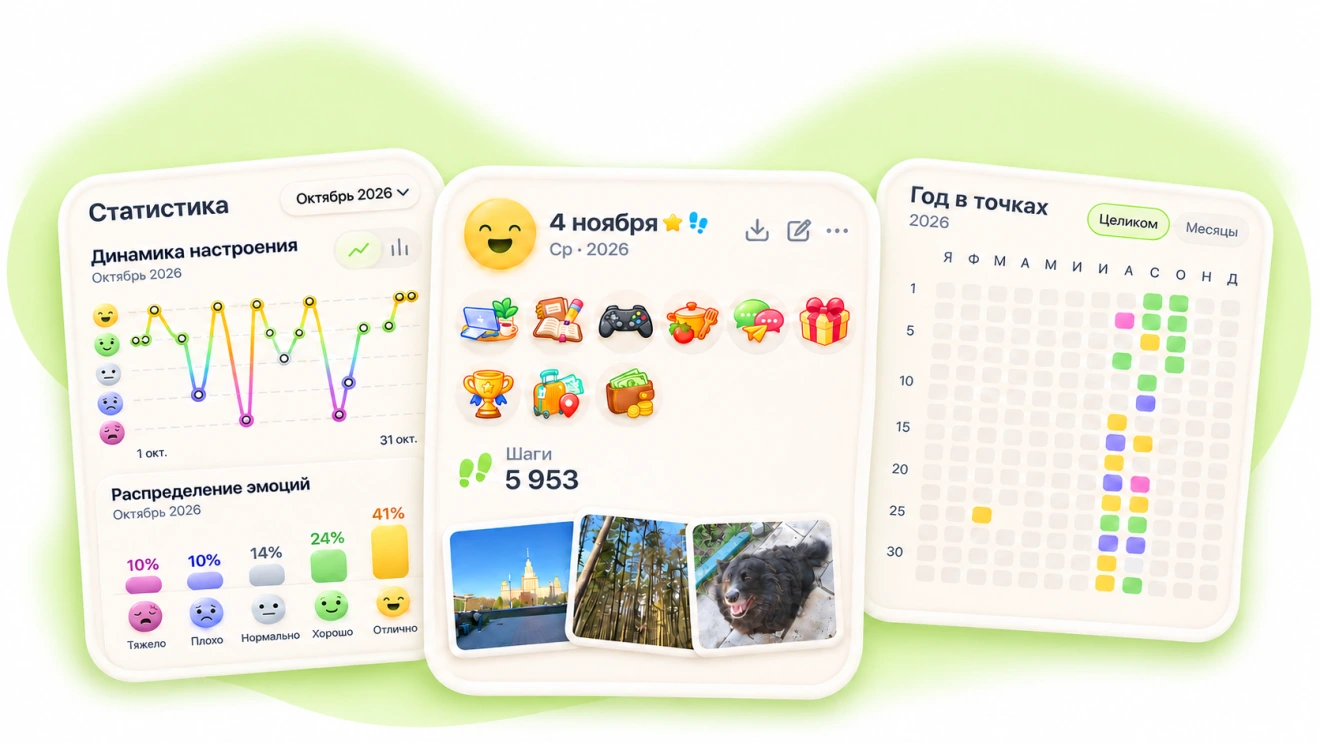
Open a day you want to remember
Choose a date in the calendar. If you saved an entry that day, you can go back to its notes and photos. On a busy day, save more than one entry, such as a quick note in the morning and another in the evening.
See what stands out over a week
On Friday, you logged a good mood after a walk and added a photo. On Sunday, you wrote that you felt tired after a trip. When you open those dates later, your notes help you remember what made the days different.
Look at the whole month
In Statistics, you can see how your mood ratings changed and which moods showed up most often. When a change stands out on the chart, open those dates and revisit what was happening then. It’s fine to leave gaps.